Photo coloring
Server AI turns a photo into a bold, simple coloring page for children.
 PicPlay
Transform family moments and favorite things into clean coloring pages, then keep playing with letters, numbers, and photo puzzles.
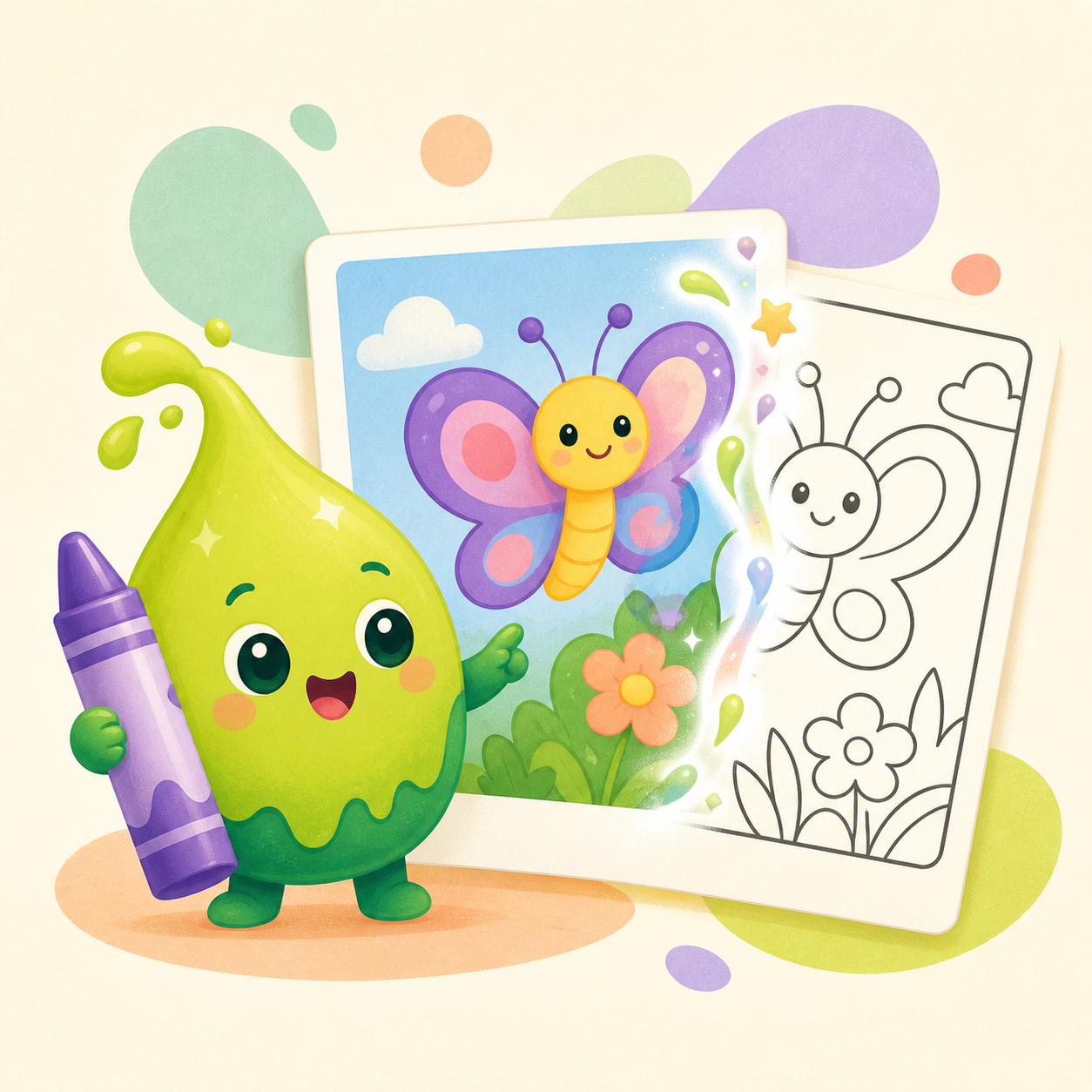
Every photo becomes a new activity, completed again at your child’s fingertips.
Server AI turns a photo into a bold, simple coloring page for children.
Reimagine a selected photo as a simpler, bolder children’s coloring page.
Color ABCD, 가나다라, and 1234 to make early learning feel playful.
Play 2×2 with unlimited photos, then unlock 3×3 through 6×6 after your first purchase.
Pick one photo in the app and PicPlay redraws it as a bold, clean children’s coloring page that keeps the main subject and pose. Below is an example of a photo turned into a page.
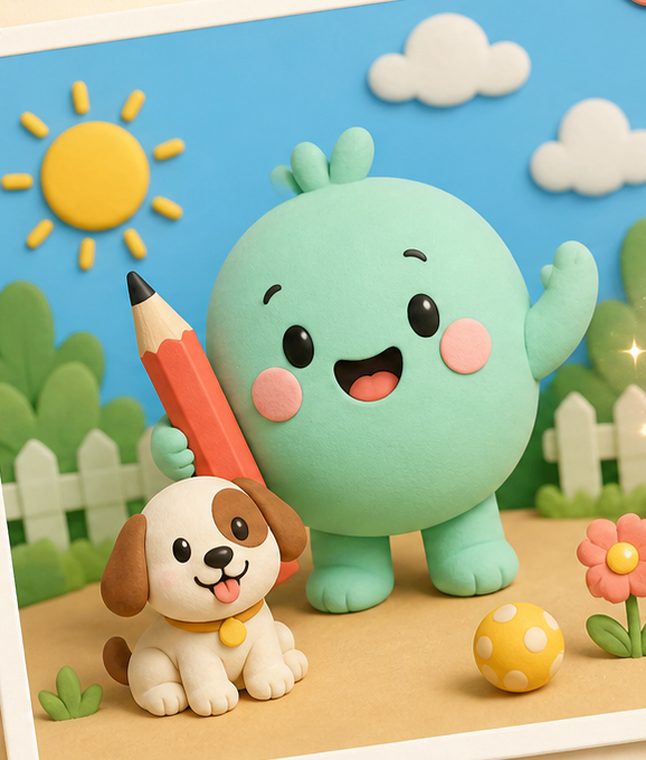
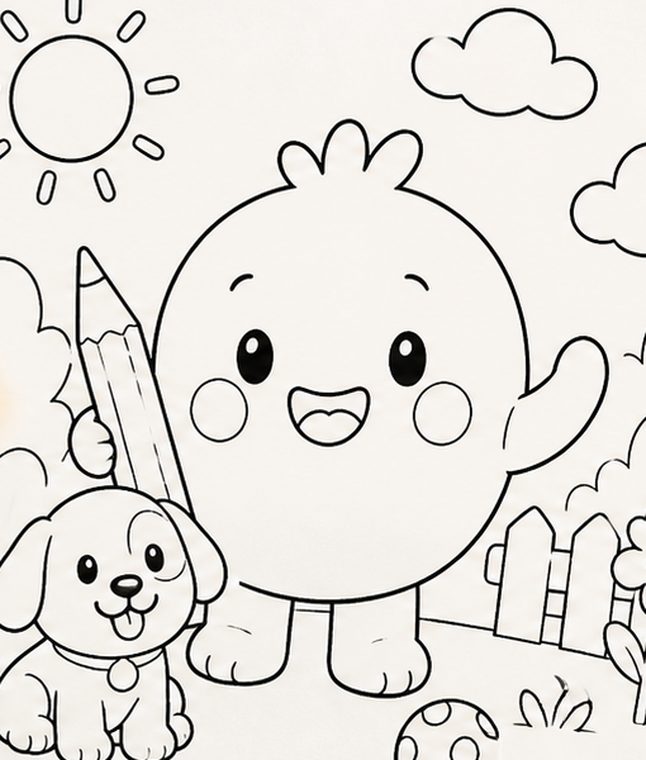
Example only — results vary with each photo. AI coloring pages are created in the PicPlay app.
Choose something your child loves from the camera or photo library.
Server AI turns the reduced photo into a child-friendly coloring page.
Color with a finger and save the finished artwork on your device.
The most familiar faces and moments can become the most engaging coloring book.